How to Get Your Team to Actually Use Jira
If your team does not use Jira consistently, identify the difficulties before adding reminders. Agree a simple workflow, explain how it helps the team, and assign someone to support learning. Review adoption and adjust the agreement using team feedback.
 By The Quely Team, Quely editorial team
Published . Last updated .
How do you help your team use Jira consistently?
"I've tried everything - reminders in stand-ups, emails, calendar notifications. Nothing seems to work. My team just won't use Jira."
Your team has Jira, but updates still arrive through standups, messages, or spreadsheets. Before adding more reminders, check which part of the workflow people find difficult and whether the information helps them do their work.
But here's the truth that many leaders miss: resistance to Jira rarely stems from the tool itself. Instead, it's often a sign of deeper organizational and human factors that need addressing. When team members avoid updating their tickets or tracking their work, they're telling us something important about how they work, what they value, and what might be missing in our current setup.
In this article, we'll move beyond the common "enforce and remind" approach that rarely yields lasting results. Instead, we'll explore a comprehensive strategy that addresses the root causes of resistance while building genuine buy-in from your team. Whether you're managing a distributed team across multiple time zones or trying to align with broader organizational processes, you'll find practical, actionable approaches that respect both team autonomy and organizational needs.
Key takeaways
- Ask the team which part of Jira creates extra work before you change the process.
- Agree on the information each Jira item needs and when the team will update it.
- Use a Jira champion to help teammates learn the agreed workflow.
- Review Jira use in retrospectives and change the setup when the team finds a problem.
Why Teams Resist Jira
Let’s be honest, adopting Jira isn’t always smooth. You might think it’s just about using a new tool, but the reality is more complicated. So, what’s really causing the resistance?
1. Team Size and Communication Challenges: When your team gets too big, communication becomes harder. Meetings take longer, Jira updates become more difficult and individual contributions become less visible. Review whether team size makes communication difficult. Choose a structure that fits the work; a fixed team size does not ensure Jira adoption.
2. Highlight the Value of Jira for Team Success: Your team won’t embrace Jira if they don’t see how it helps them. If it feels like just another tool for management to track progress, expect resistance. Show your team how Jira makes their work easier, improves collaboration, and removes unnecessary friction.
3. Avoiding a Top-Down Approach: If you introduce Jira as a mandatory tool without involving your team, they’ll see it as an obligation rather than a solution. Instead, bring them into the decision-making process. Explain why you’re using it and let them help shape how it works for them.
4. Setting Clear Processes and Agreements: Without clear guidelines, Jira can quickly turn into a mess. Make sure your team follows a structured process, like a well-defined Definition of Done (DoD), so everyone stays on the same page. When everyone updates Jira consistently, it becomes a useful tool instead of a source of confusion.
5. Balancing Oversight and Trust: Jira can easily turn into a micromanagement tool if you’re not careful. If you demand constant updates or track every small task too closely, your team might feel pressured instead of supported. Use Jira to give visibility without making people feel like they’re under surveillance.
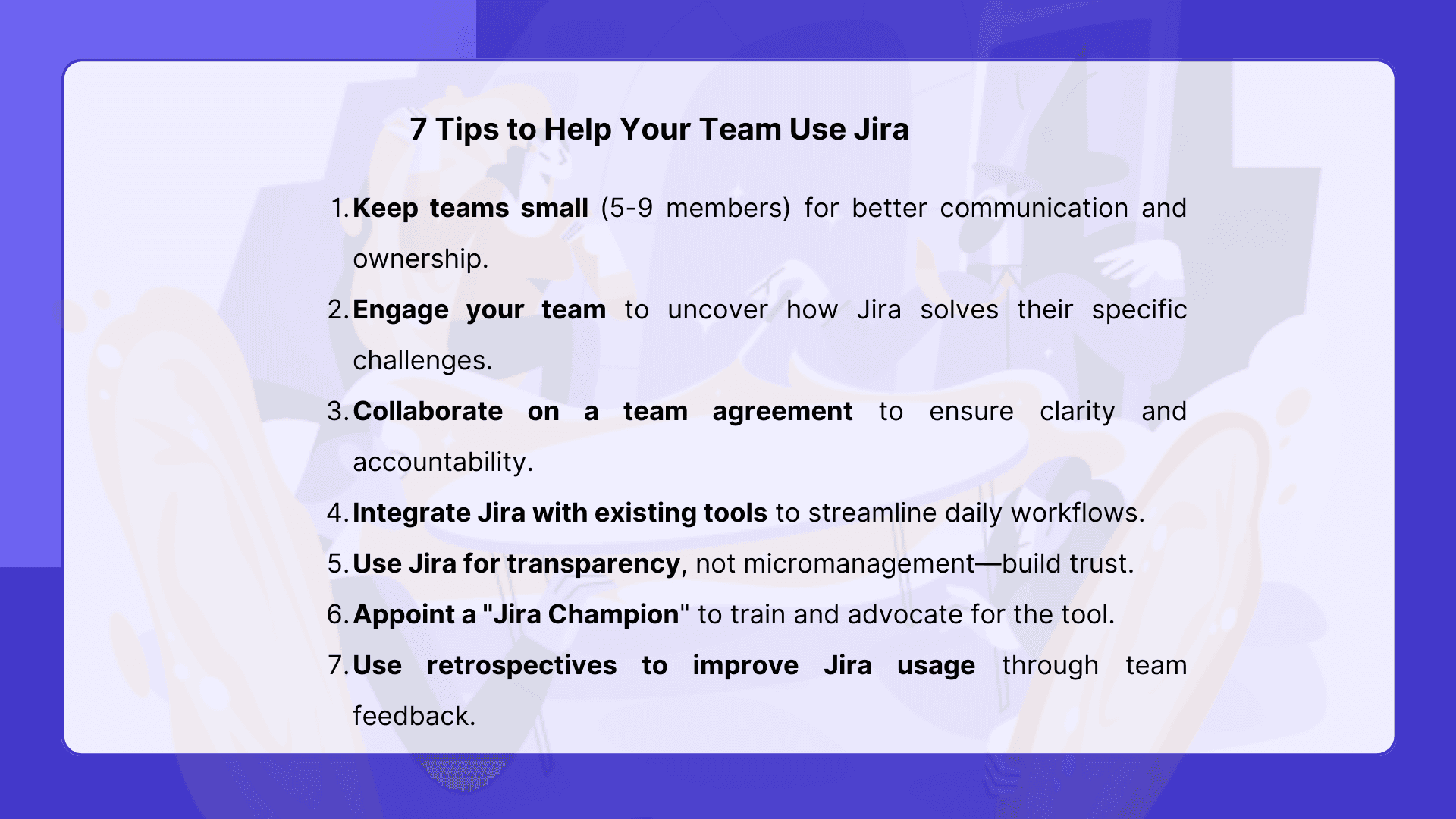
7 Tips to Help Your Team Use Jira
Now that we've explored the common roadblocks to Jira adoption, let's focus on actionable strategies to create a more positive and productive experience for your team. Remember, the key is to move beyond mandates and foster a collaborative environment where Jira becomes a valuable tool for everyone.
1. Right-Size Your Teams: If you're facing resistance in a large team, consider splitting it into smaller, more focused units. Review communication and handoffs with the team before changing its size. Smaller groups may help in some situations, but team size alone does not resolve Jira adoption problems.
2. Uncover the "Why" Together: Instead of simply dictating Jira usage, engage your team in a conversation about why it's being implemented. Facilitate a workshop to identify the team's pain points and explore how Jira can address those specific challenges. Frame Jira as a tool that empowers them to work more efficiently, improve collaboration, and deliver higher-quality results.
3. Craft a Team Agreement, Collaboratively: Develop a clear team agreement that outlines how Jira will be used, what information will be tracked, and how often updates will be provided. Ensure the team actively participates in creating this agreement, fostering a sense of ownership and accountability. A well-defined "Definition of Done" (DoD) should be a key component of this agreement.
4. Connect Jira to Their Daily Workflow (If Possible): Explore opportunities to integrate Jira with the tools your developers already use, such as their IDEs or code repositories. Seamless integration can minimize friction and make it easier for team members to update their progress without disrupting their flow. However, acknowledge that legacy systems may limit these options. If direct integration isn't feasible, focus on streamlining the Jira interface and minimizing the number of steps required to update tasks.
5. Focus on Transparency, Not Micromanagement: It's tempting to track every detail in Jira, but resist the urge to micromanage. Instead, focus on using Jira to provide transparency and visibility into overall progress. Encourage team members to update their tasks regularly, but avoid creating a culture of constant surveillance. Trust your team to manage their work effectively, and use Jira as a tool to support their efforts.
6. Empower a Jira Champion: Identify a team member who is enthusiastic about Jira and empower them to become a "Jira champion." This individual can provide training, answer questions, and advocate for the tool's benefits. They can also serve as a liaison between the team and management, ensuring that Jira is configured and used in a way that meets everyone's needs.
7. The Power of Retrospectives: Use regular retrospectives to discuss Jira usage, identify any pain points, and brainstorm solutions. Encourage open and honest feedback, and be willing to adapt your approach based on the team's input. Retrospectives provide a valuable opportunity to continuously improve the team's experience with Jira.
What To Do When a Gentle Approach Fails
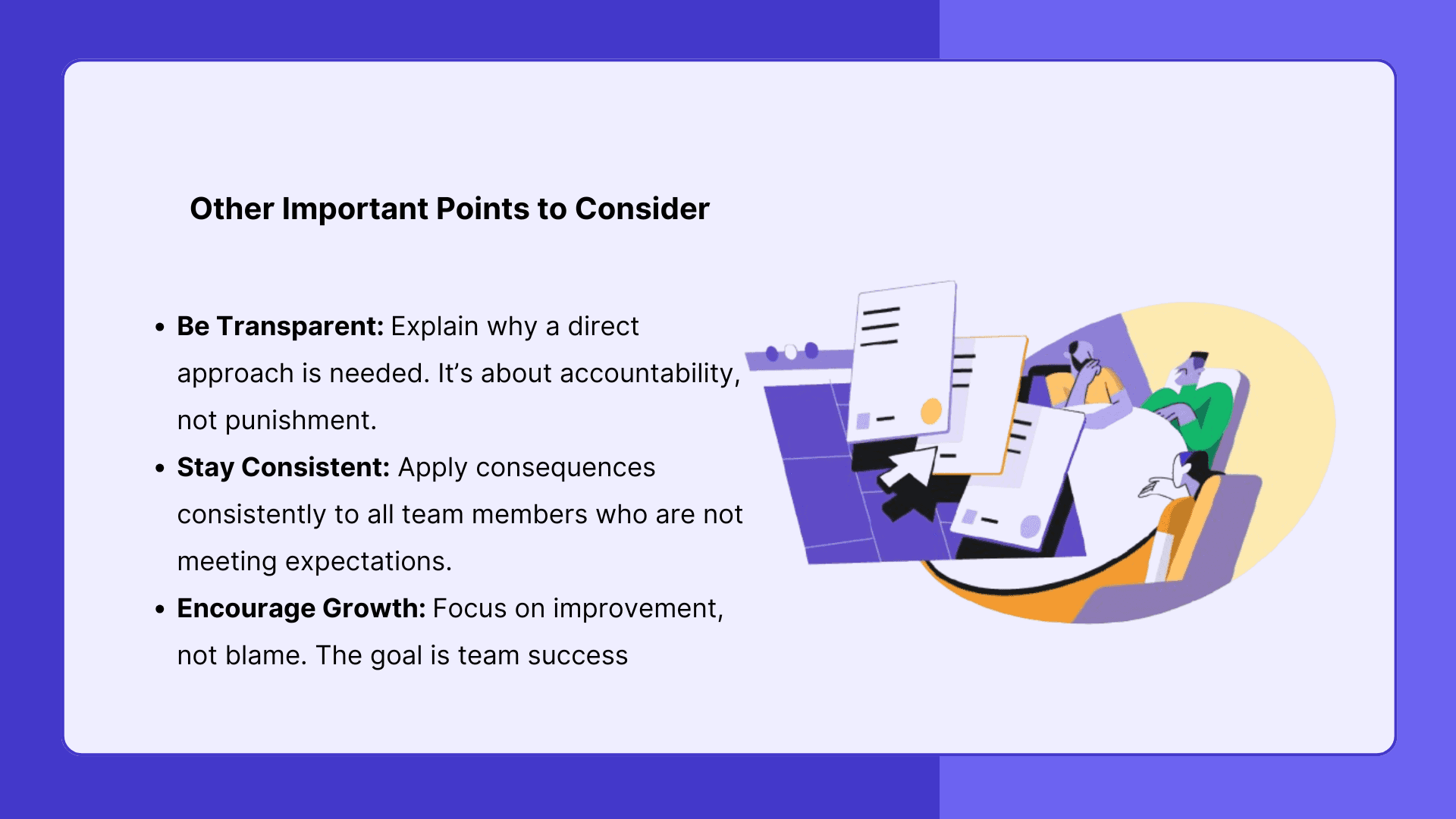
While fostering collaboration and emphasizing the benefits of Jira are crucial, there are situations where a more direct approach might be warranted. This should be viewed as a last resort, carefully considered and implemented with sensitivity, but it's important to acknowledge that some circumstances may require it.
1.When Core Responsibilities Are Neglected: If Jira updates are directly tied to core responsibilities, and the lack of updates is demonstrably hindering project progress or impacting other team members, it may be necessary to address the issue more directly. Explain which work records the team needs and why.
2. Clear Expectations, Clear Consequences: Before resorting to disciplinary measures, ensure that expectations regarding Jira usage are crystal clear, well-documented, and communicated to the team. If expectations are not met, and there is no valid reason for the non-compliance, it may be necessary to implement consequences, such as performance reviews or other corrective actions. However, be sure to engage HR and legal to ensure you're following proper procedures.
3. The "Source of Truth" Imperative: If Jira is designated as the single source of truth for project information, and the lack of updates undermines its reliability, it's crucial to reinforce its importance. Use the agreed record when making plans and reviewing progress.
4. Addressing Underlying Issues: Before taking disciplinary action, take the time to understand why team members are not updating Jira. Are there underlying issues that need to be addressed, such as lack of training, usability problems, or conflicting priorities? Addressing these issues may be more effective than simply imposing consequences.
Conclusion
Jira. It's a powerful tool, but let's be honest – getting everyone on board can feel like an uphill battle. If you're finding it tough to encourage your team to consistently use Jira, you're not alone. Always remember that, successful Jira adoption is about people, not just process. Listen to your team, adapt your approach, and prioritize collaboration. By focusing on their needs and creating a shared sense of ownership, you can transform Jira from a hurdle into a helpful tool, making everyone's work life a little easier.
Related reading: Adapt Jira for non-technical teams.
How Quely works with Jira
Quely works with Jira and does not replace it. Jira stays the record of the work. Quely connects the work of product and engineering teams to the context behind it.
Bring relevant work into a Space. Orbit, Quely's intelligence layer, reads across that context and answers questions about the work. Use Lenses to view decisions, action items, or open questions.
FAQ
How do you get a team to use Jira consistently?
Agree on what the team will record in Jira and when it will update items. Use a Definition of Done to make completion criteria clear.
Should every team use the same Jira setup?
Start with the team agreement and its actual workflow. The article offers seven adoption tips, but the team should choose the changes that address its own problems.
What happens after the team adopts the workflow?
Use a retrospective to review Jira use and identify remaining problems. Ask the Jira champion to help with training and adjust the agreement when needed.
Does Quely replace Jira?
Quely works with Jira and does not replace it. Jira stays the record of the work, while Quely connects that work to its context in a Space.
Refresh note
What changed (October 2026): added key takeaways and an FAQ, checked external links, and revised unsupported claims.
Find more Quely articles
Choose Quely as a preferred source in Google Search.
Prefer Quely on Google